The Common category includes the following blocks: Paragraph, image, headings, list, gallery, quote, audio, cover, video.
The paragraph block is the default block type. It should not have any alignment of any kind. It should just flow like you would normally expect. Nothing fancy. Just straight up text, free flowing, with love.
This paragraph is left aligned.
This italic paragraph is right aligned.
Neither of these paragraphs care about politics, but this one is bold, medium sized and has a drop cap.
This paragraph is centered.
This paragraph prefers Jazz over Justin Timberlake. It also uses the small font size.
This paragraph has something important to say: It has a large font size, which defaults to 36px.
The huge text size defaults to 46px, but the size can be customized.
This paragraph is colorful, with a red background and white text. Colored blocks should have a high enough contrast, so that the text is readable.
Below this block, you will see a single image.

H1 Heading
H2 Heading
H3 Heading
H4 Heading
H5 Heading
H6 Heading
Ordered list
- The software should be licensed under the GNU Public License.
- The software should be freely available to anyone to use for any purpose, and without permission.
- The software should be open to modifications.
- Any modifications should be freely distributable at no cost and without permission from its creators.
- The software should provide a framework for translation to make it globally accessible to speakers of all languages.
- The software should provide a framework for extensions so modifications and enhancements can be made without modifying core code
Unordered list
- One
- Two
- Three
- Four
- Five

Jericoacoara Ceara Brasil 
Sunrise over the coast in Huatulco, Oaxaca, Mexico -
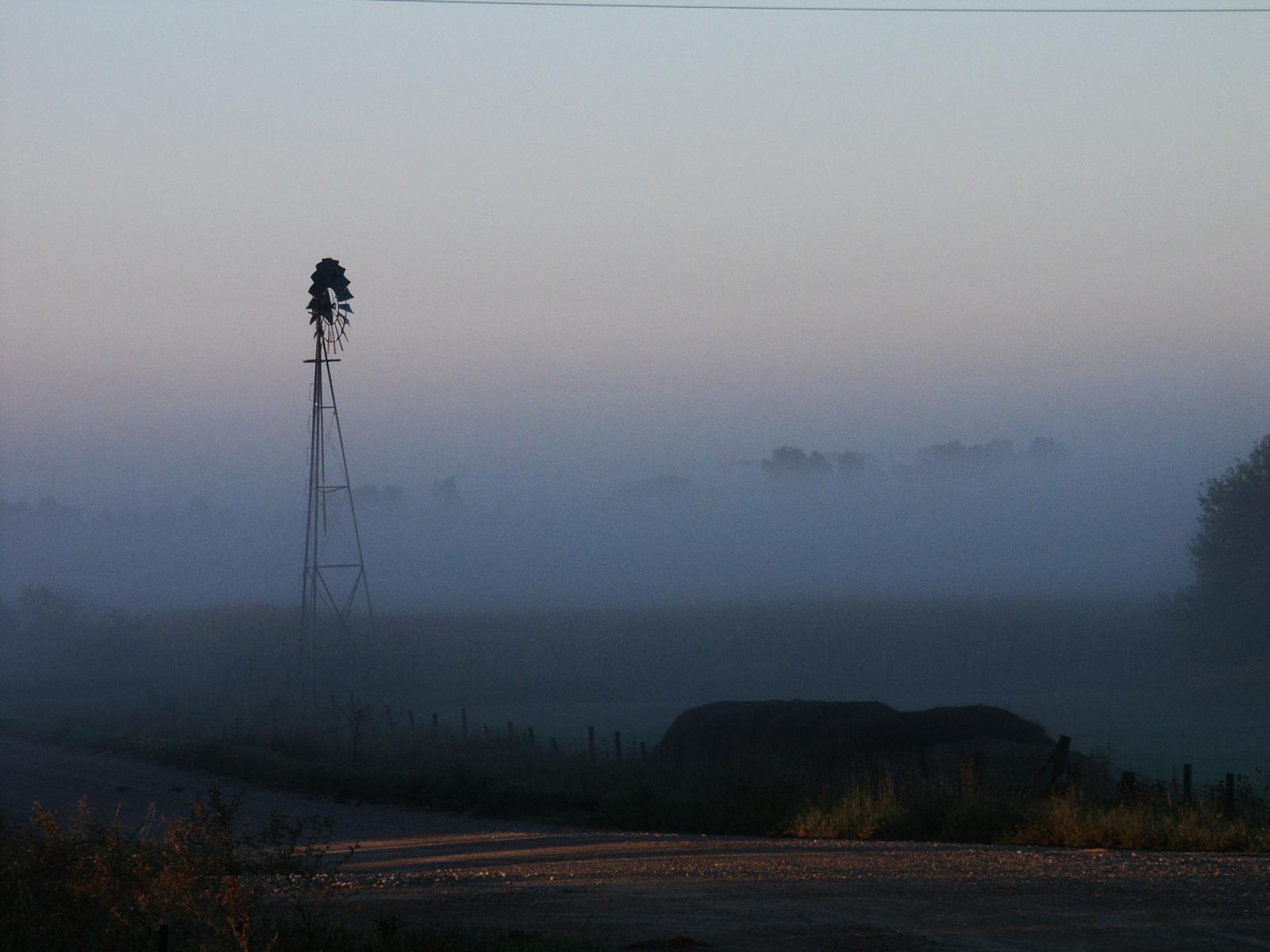
Windmill shrouded in fog at a farm outside of Walker, Iowa 
Boat BW PB Barco Texture Beautiful Fishing 
Coastline in Huatulco, Oaxaca, Mexico 

Rusty rails with fishplate, Kojonup 
Sea and rocks, Plimmerton, New Zealand 
Beach at Big Sur, CA
Quote
Cite
Cover block with background image
The file block has a setting that lets us show or hide a download button with editable text:
Video blocks have settings for showing and hiding the playback controls. Use autoplay and playback controls responsibly.
The video block below is muted and has a poster image that displays before the video starts: